

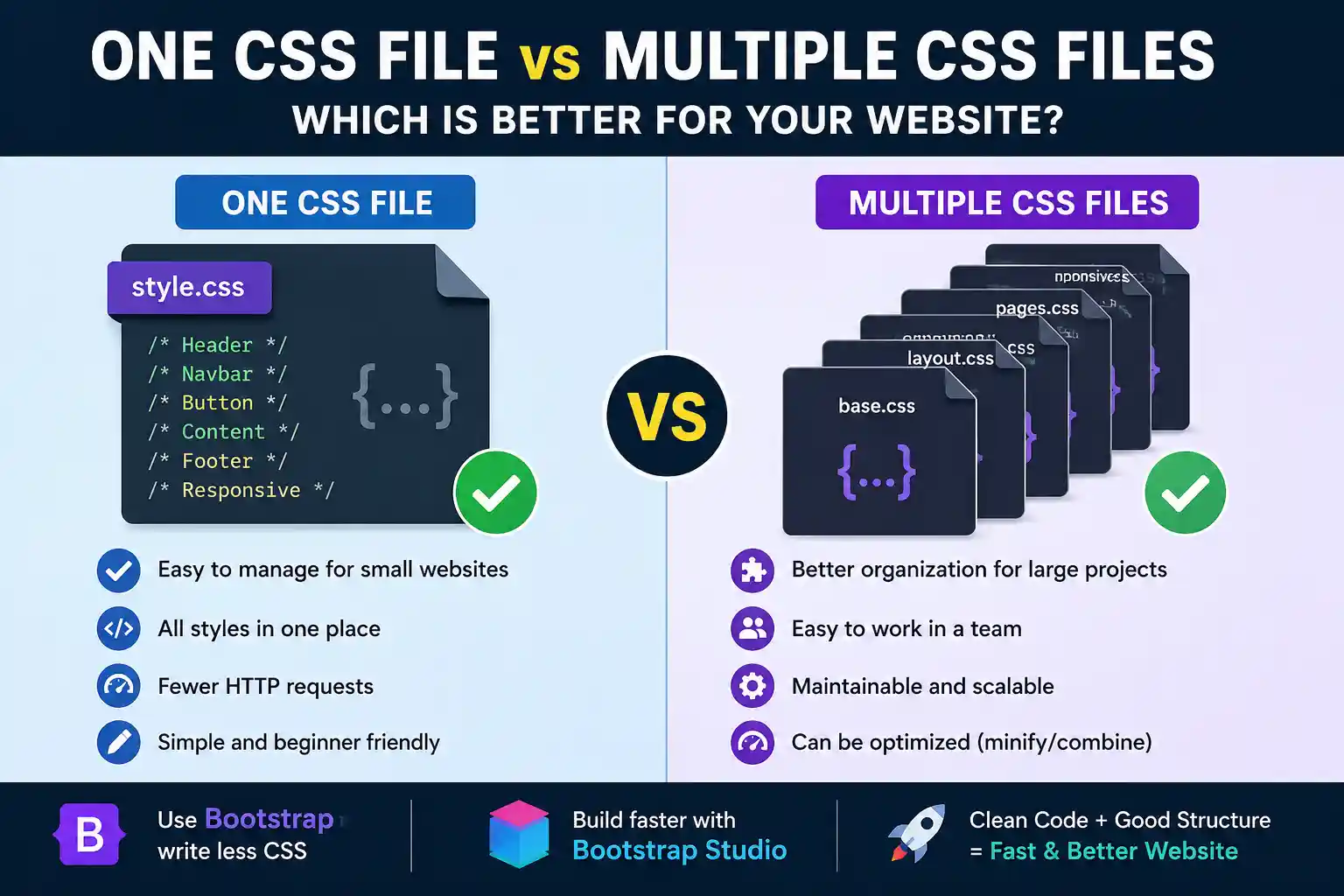
One CSS File vs Multiple CSS Files: Which Is Better for a Website?
When building a website, one common question is: Should you use one CSS file or multiple CSS files?
The answer depends on the size of your website, its structure, and your development workflow.
One CSS File Is Enough for Small Websites
If you are building a small website such as a portfolio, landing page, personal website, or small business site, a single `style.css` file is usually enough.
Example:
Using one file makes your CSS easier to find, edit, and manage. However, you should still organize the code into clear sections.
For example:
- Header
- Navigation
- Buttons
- Main Content
- Footer
- Responsive
This keeps the stylesheet clean even when everything is stored in one file.
Multiple CSS Files Are Better for Larger Websites
As a website grows, a single CSS file can contain thousands of lines of code. At that point, finding and maintaining specific styles may become difficult.
For larger projects, it is often better to divide CSS into logical files.
For example:
base.css
layout.css
components.css
pages.css
responsive.css
This makes it easier to understand where each style is located. It is also helpful when multiple developers are working on the same project.

Do Multiple CSS Files Make a Website Slower?
Many people assume that more CSS files automatically make a website slower. That is not always true.
Modern browsers and protocols such as HTTP/2 and HTTP/3 handle multiple files much more efficiently than older systems did.
However, creating too many unnecessary CSS files is still not a good idea.
For example, you do not need a separate CSS file for every button, heading, or small component.
The better approach is to organize CSS into logical groups.
One CSS File Does Not Automatically Mean a Faster Website
Using only one stylesheet does not guarantee better performance.
For example, if your `style.css` file is 2 MB and contains a large amount of unused CSS, it is still poorly optimized.
On the other hand, a few smaller CSS files may perform better if they contain only the styles your website actually needs.
Website speed also depends on factors such as:
- CSS file size
- Unused CSS
- CSS minification
- Browser caching
- Image optimization
- JavaScript optimization
- Server response time
So, the number of CSS files is only one part of website performance.
Why CSS Minification Is Important
For production websites, CSS minification is a good practice.
Normal CSS:
.button {
background: blue;
color: white;
padding: 10px;
}
Minified CSS:
.button{background:blue;color:white;padding:10px}
Both versions work the same way, but the minified version has a smaller file size.
This can help reduce the amount of data that needs to be downloaded by visitors.

Use Bootstrap to Write Less CSS
If you often create buttons, navigation bars, forms, cards, or responsive layouts, **Bootstrap** can save a lot of development time.
Bootstrap includes many ready-made components and utility classes.
For example:
You do not need to write a complete custom button style from scratch.
Bootstrap can help you quickly create:
- Responsive navigation bars
- Buttons
- Cards
- Forms
- Grid layouts
- Modals
- Dropdown menus
- Responsive columns
Why Bootstrap Studio Can Be a Good Choice
If you use Bootstrap and want to build responsive websites faster, **Bootstrap Studio** can be a useful tool.
Bootstrap Studio provides a visual drag-and-drop environment for building Bootstrap-based websites.
With it, you can easily:
- Create responsive layouts
- Build navigation menus
- Add buttons, cards, and forms
- Preview designs on desktop and mobile
- Add your own custom CSS
- Use Bootstrap components without writing everything manually
This means you can combine Bootstrap's ready-made features with your own custom design.
However, basic knowledge of HTML and CSS is still important. It will help you customize your website properly and solve design problems when needed.
So, Which One Should You Use?
For a small website, a single `style.css` file is usually enough.
For a medium or large website, it is better to organize CSS into multiple logical files during development.
For production, you can minify or bundle your CSS to improve performance and keep file sizes smaller.
Final Thoughts
There is no universal rule that says one CSS file is always better than multiple CSS files.
What matters more is that your CSS is:
Clean, Organized, Reusable, and Optimized.
Use one CSS file for small projects. For larger websites, split your styles into logical sections or files.
And if you want to build responsive Bootstrap websites faster while writing less custom CSS, **Bootstrap Studio** is worth considering.
A well-organized CSS structure not only improves development speed but also makes your website easier to maintain in the future.